TechSuite Chain Dashboard
The chain dashboard is for businesses with more than one store: company-owned locations, franchises, or both. Each store keeps its own TechSuite account, techs and reports. The chain account sees all of them in one place and pays for them on one bill.
We set up chain accounts ourselves. To start one, email [email protected].
Sign in with your chain account at repairtechsolutions.com. The menu down the left side has Shops, Users, Branding, Tech limits and Billing.
Shops
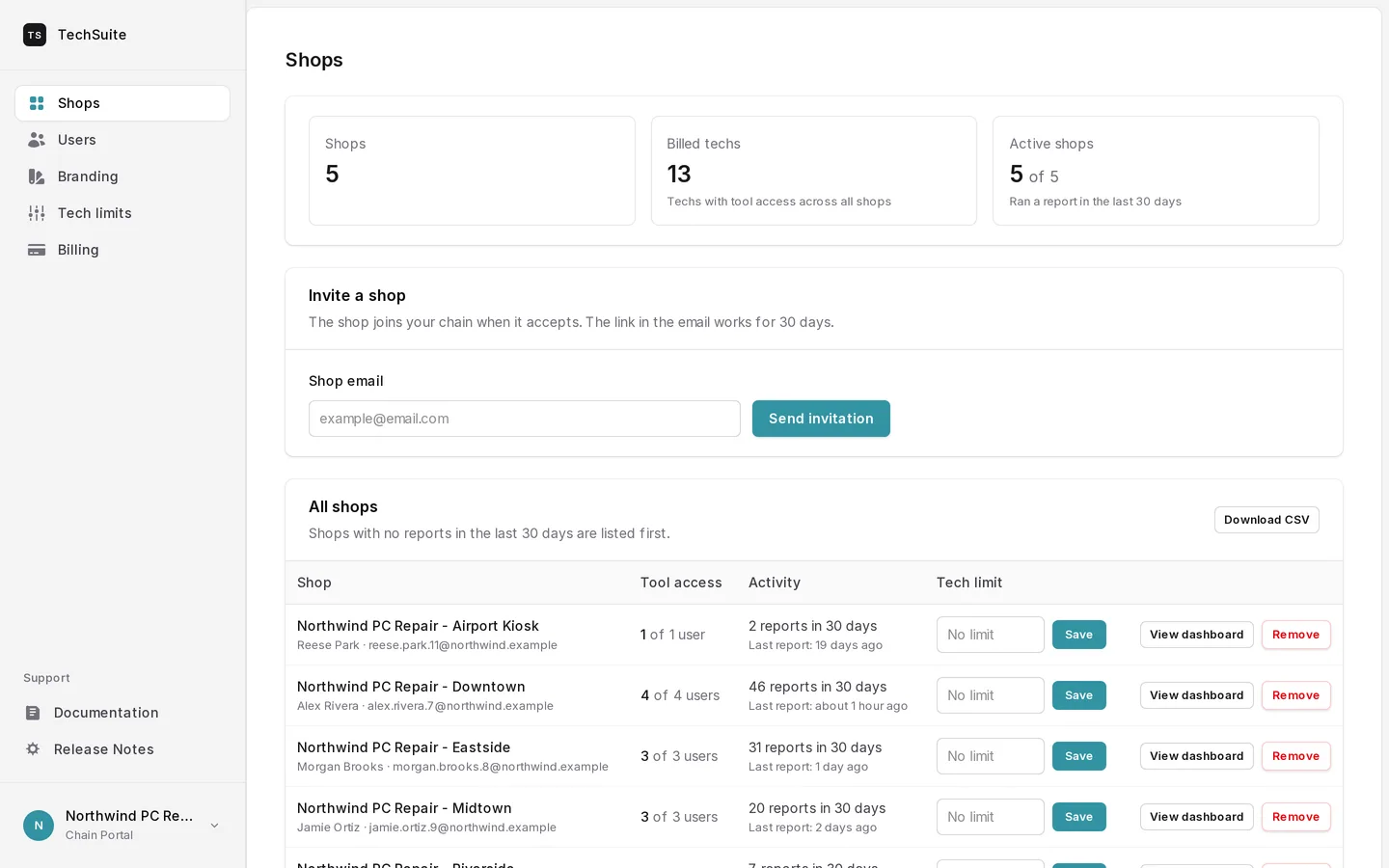
At the top are three totals: how many shops are in the chain, how many techs you’re billed for, and how many shops ran a report in the last 30 days.
Below them is every store, with:
- its reports in the last 30 days and the date of its last report
- its tech limit
- View dashboard, which opens that store’s own dashboard with its recent reports by tech and customer
Export CSV downloads the list.
Adding a store
Enter the store’s email address and send an invitation. The store joins your chain when it accepts.
If the store already pays for TechSuite, its own subscription is cancelled when it joins, because the chain pays for it from then on. Its techs, procedures and reports stay as they were.
Removing a store
A store that leaves the chain goes back to being a TechSuite account on its own. It keeps its reports, and it needs its own subscription to keep using TechSuite.
Tech limits
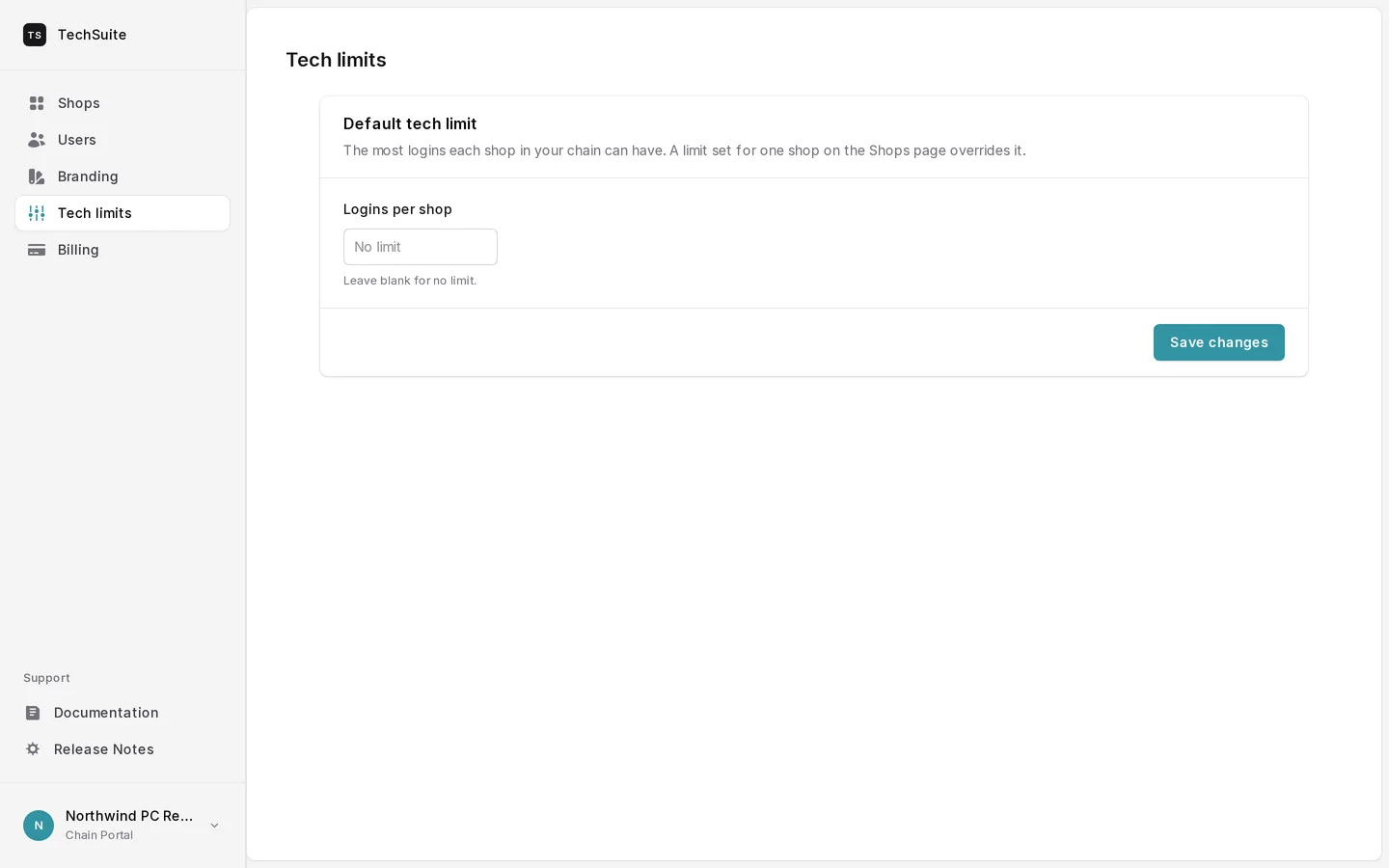
Set a default tech limit that applies to every store, then override it for any store that needs more or fewer techs.
Procedures
Procedures you want on every bench are added to the chain, and every store sees them in its procedure list next to its own. For now we set these up for you: email us the procedures you want shared.
Users, Branding and Billing
- Users lists the people who can sign in to the chain account.
- Branding holds the chain’s logo and colors.
- Billing for chains is handled by us. Email [email protected] with billing questions.