Release Notes – Lantern Marketing Kit, One-Click Resolve and 15-Minute Checks
Hi folks –
Lantern has a new Marketing page. It has print and online material with your shop’s name, logo and colors already on it, and every QR code and link opens your install page. Use it to get Lantern onto more of your clients’ computers, or to pitch your managed service plan to the ones who aren’t on it yet. You can change all of it. This update also makes requests quicker to clear, checks most things every 15 minutes, and lets you pick the problems that pop up right away. There’s nothing to install.
Your marketing kit
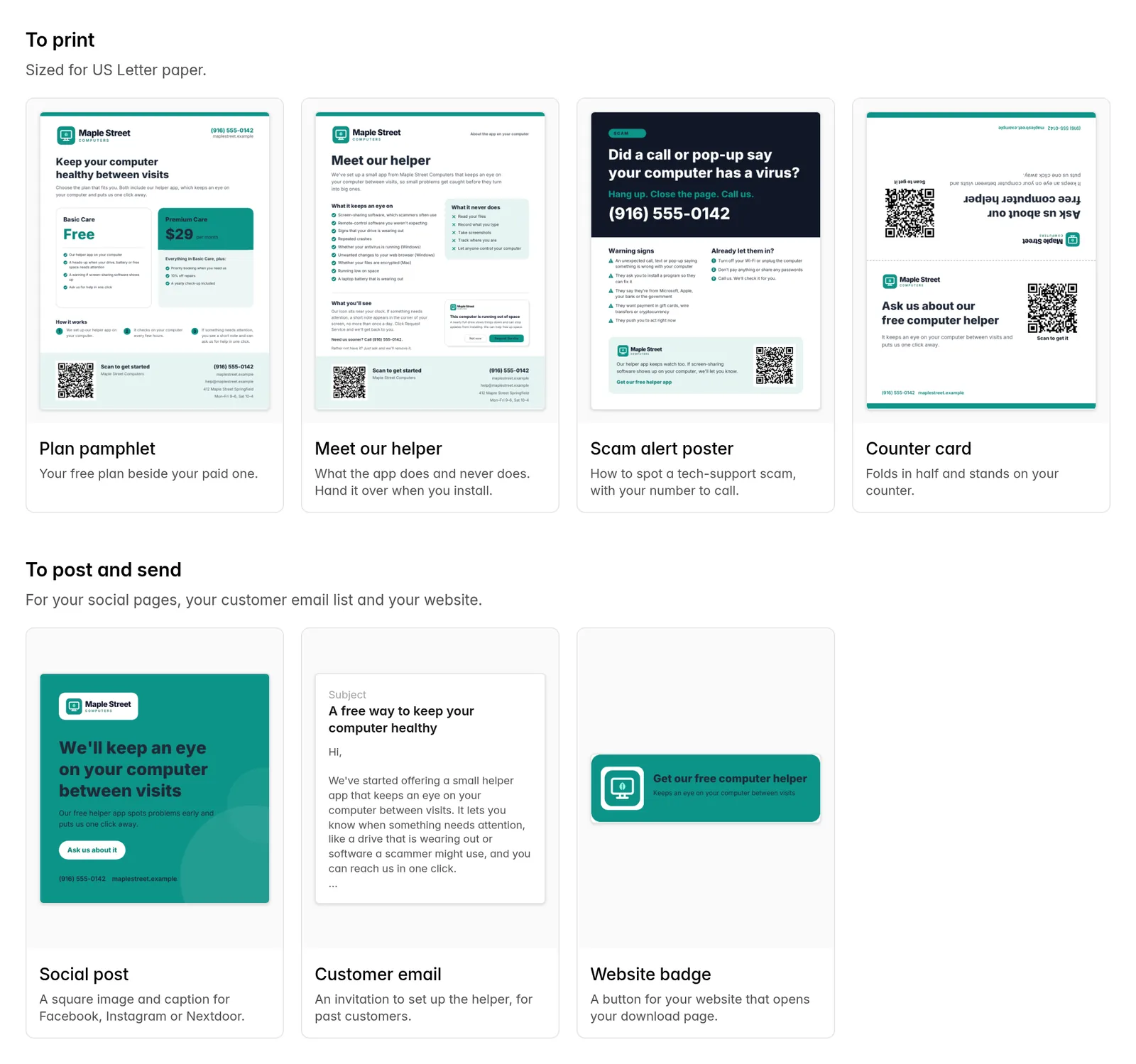
To print
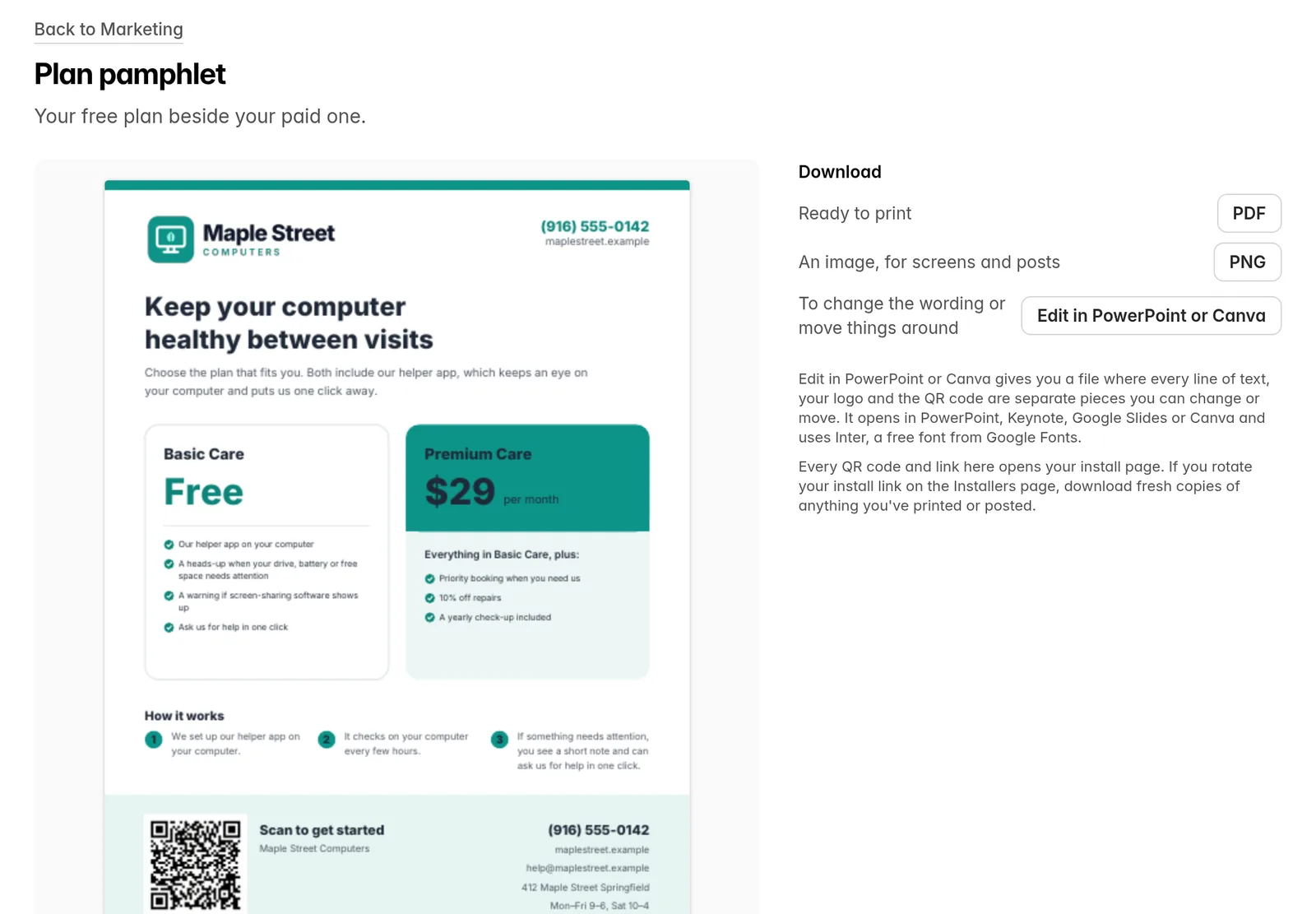
- Plan pamphlet. Your free plan beside your paid one.
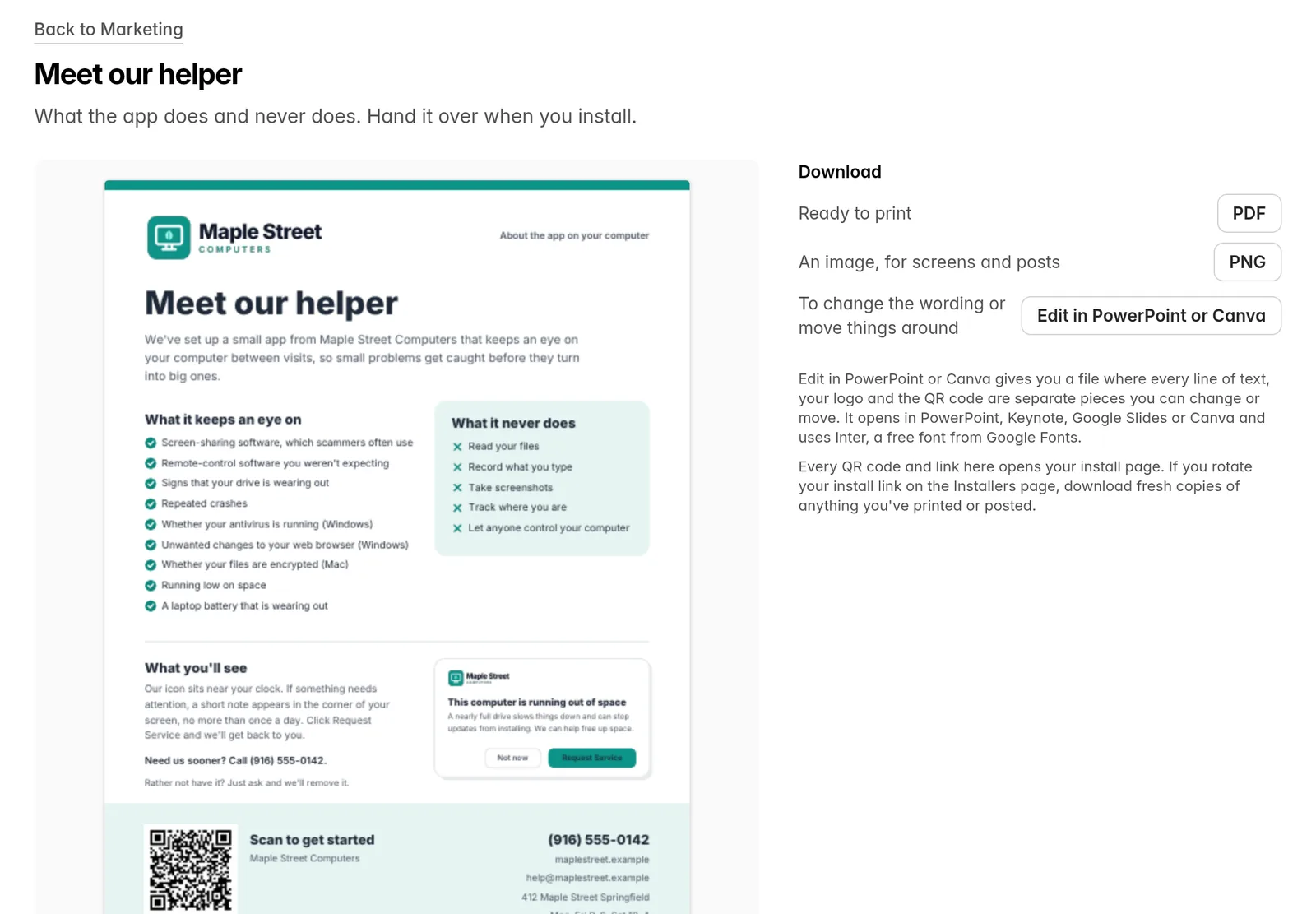
- Meet our helper. What the app does and never does. Hand it over when you install.
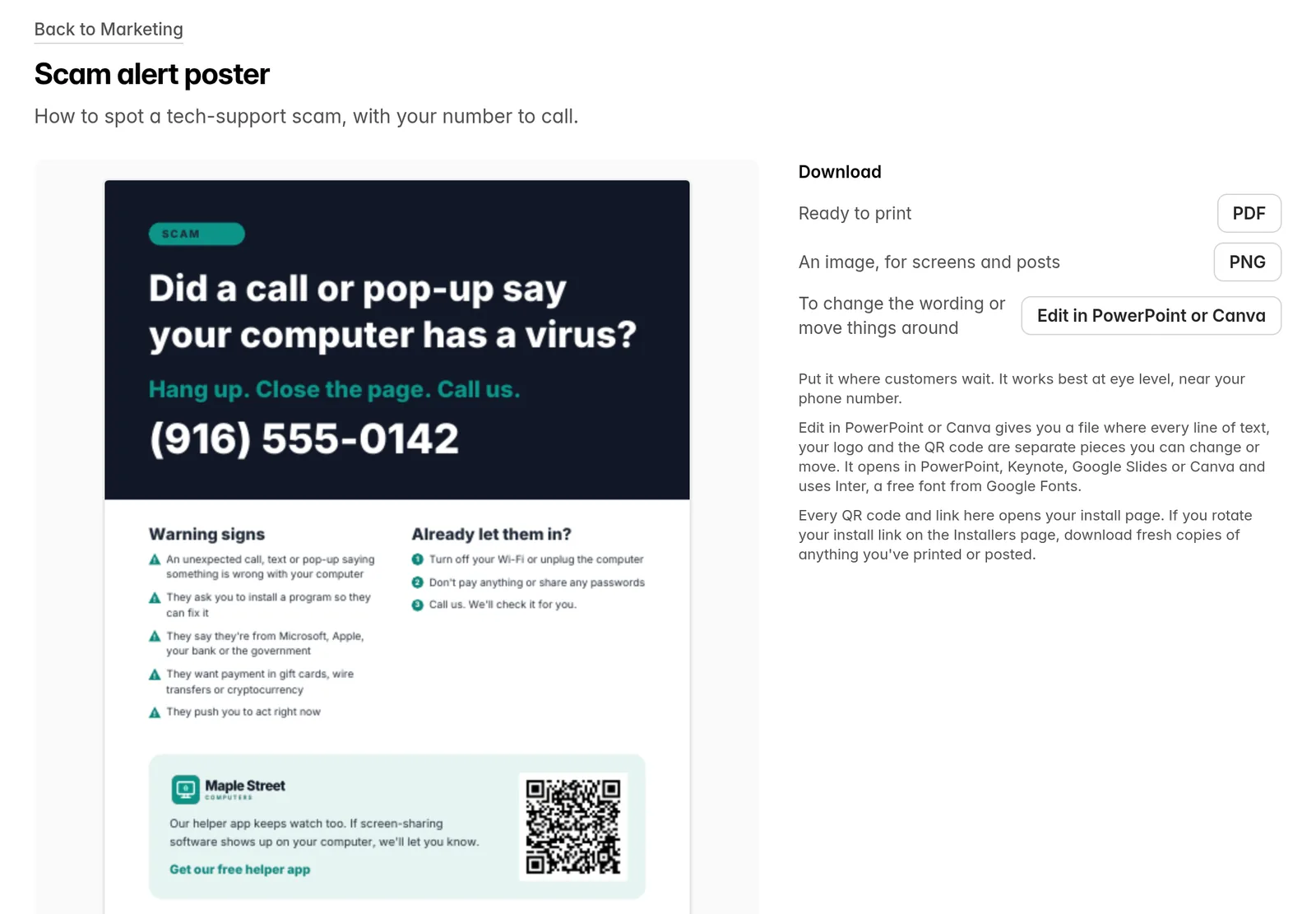
- Scam alert poster. How to spot a tech-support scam, with your number to call.
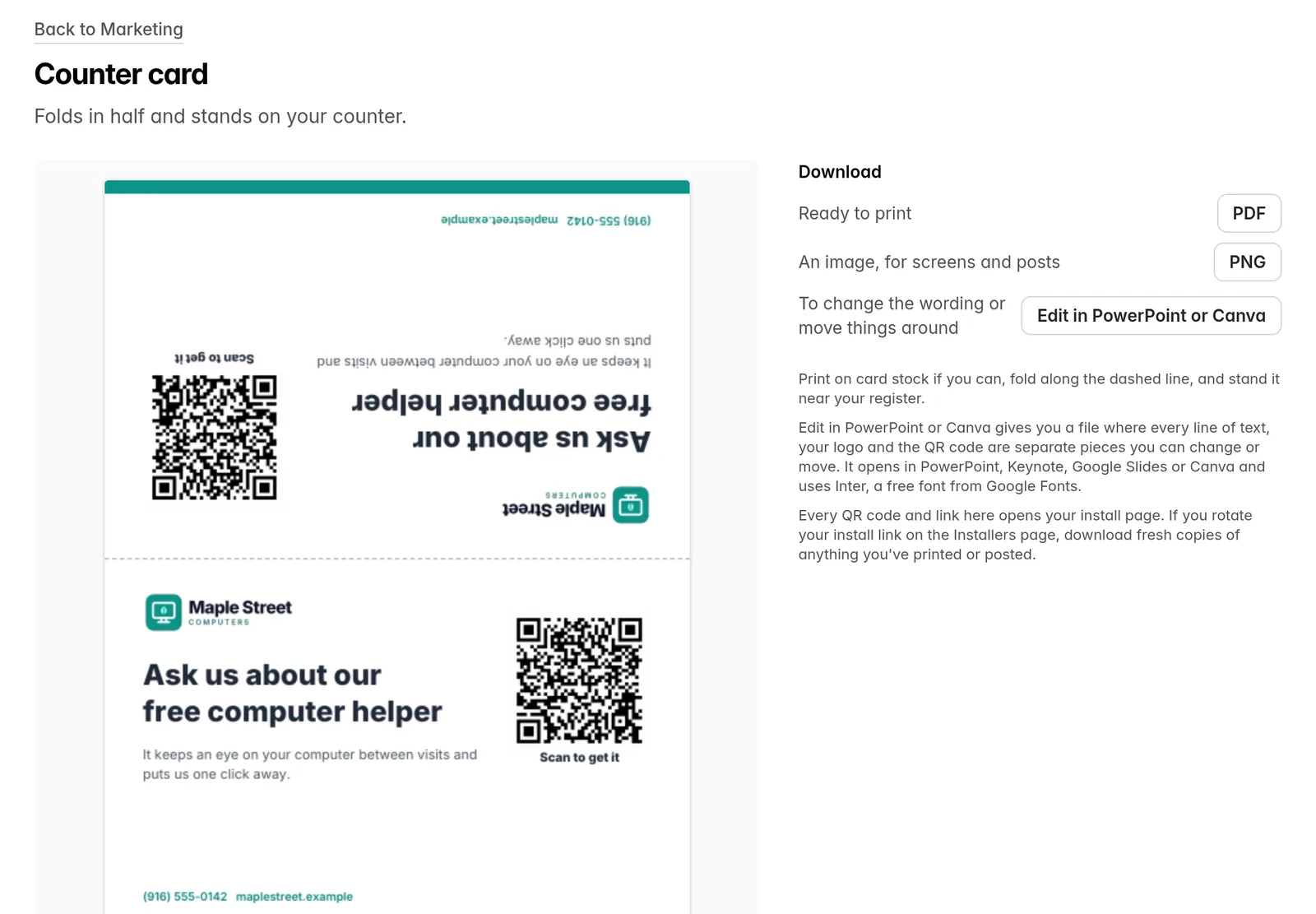
- Counter card. Folds in half and stands by your register.
To post and send
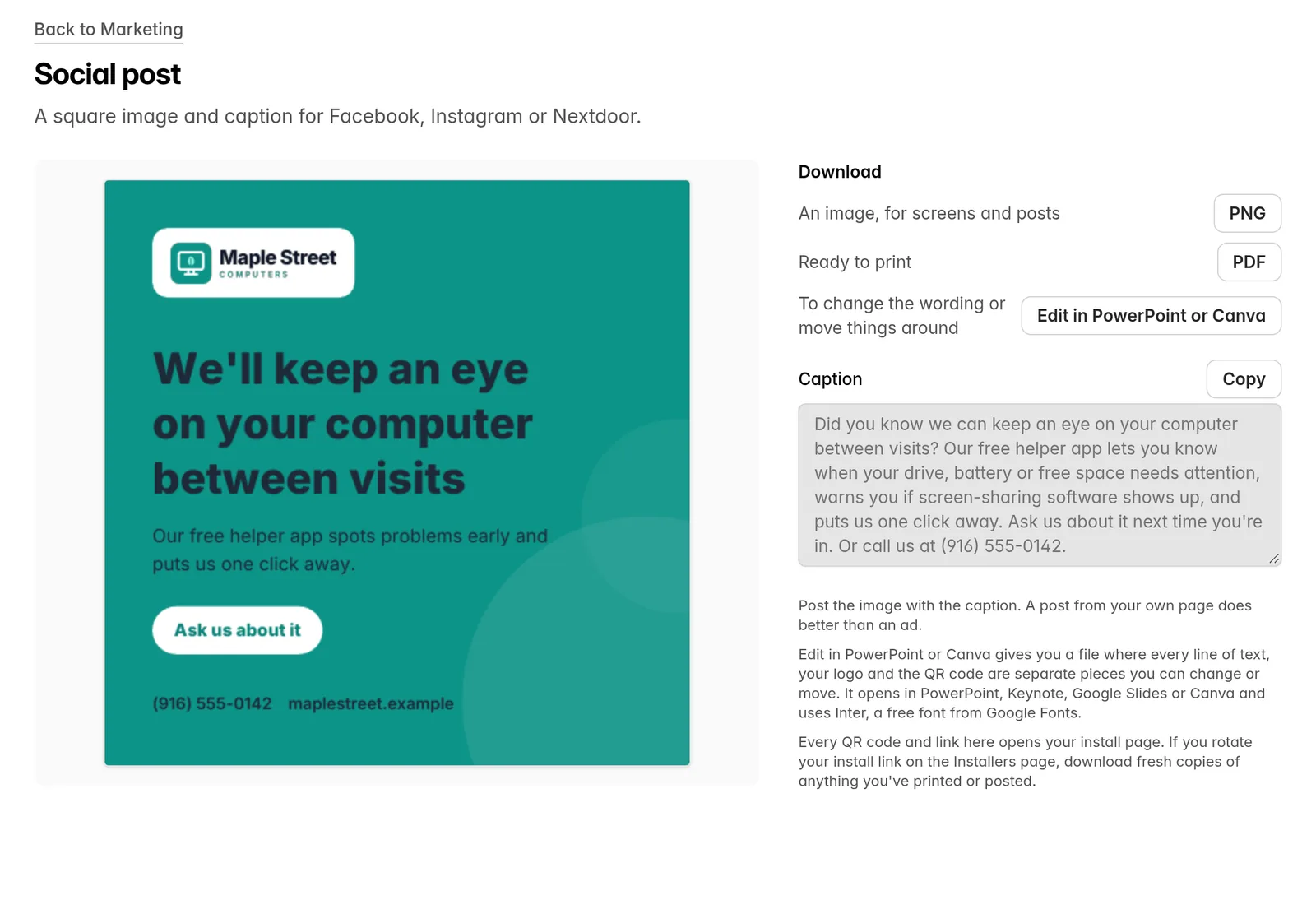
- Social post. A square image and a caption to copy, for Facebook, Instagram or Nextdoor.
- Customer email. An invitation to set up the helper, to send to past customers.
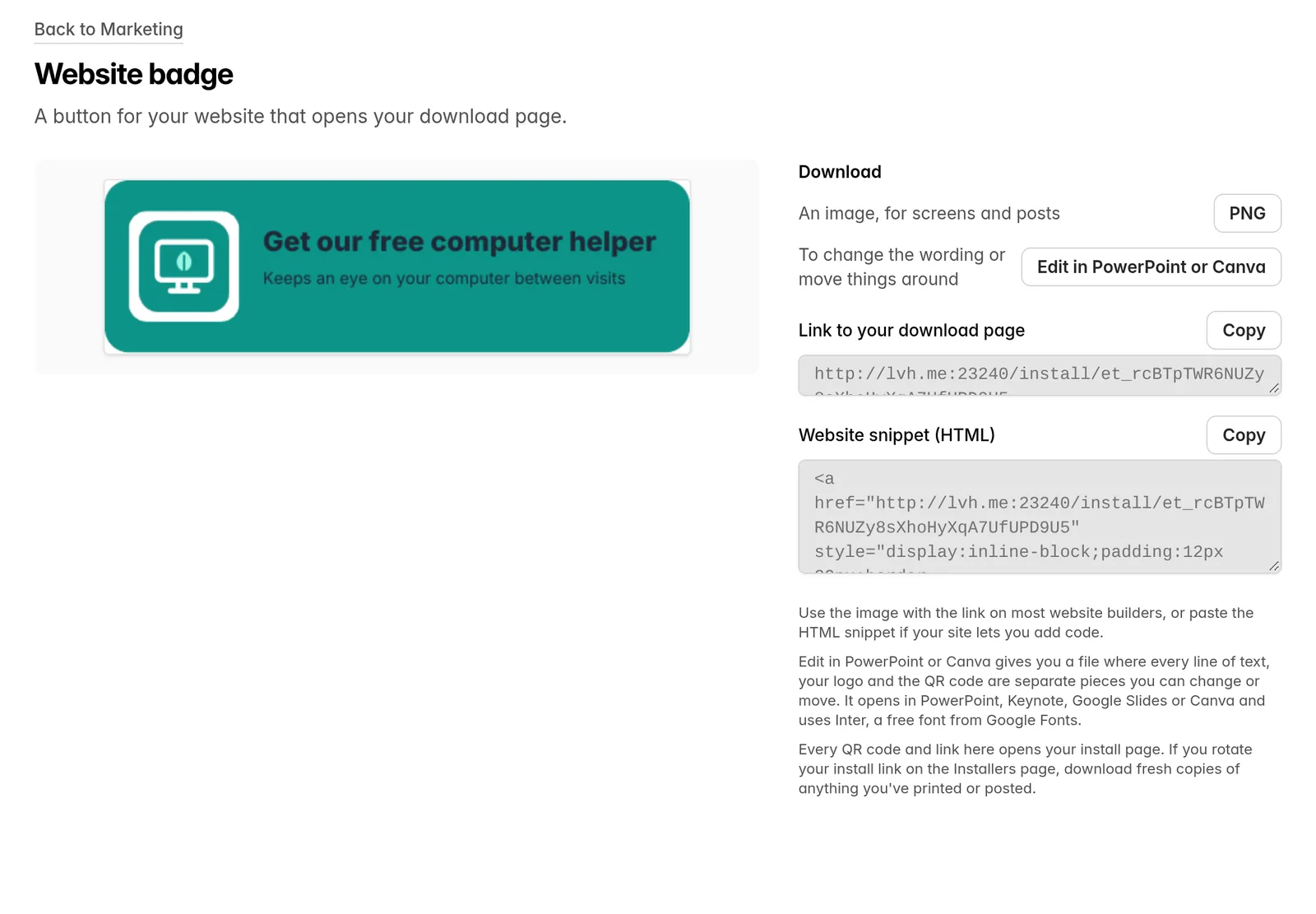
- Website badge. A button for your site that opens your download page, with the link and an HTML snippet to copy.
Make it yours
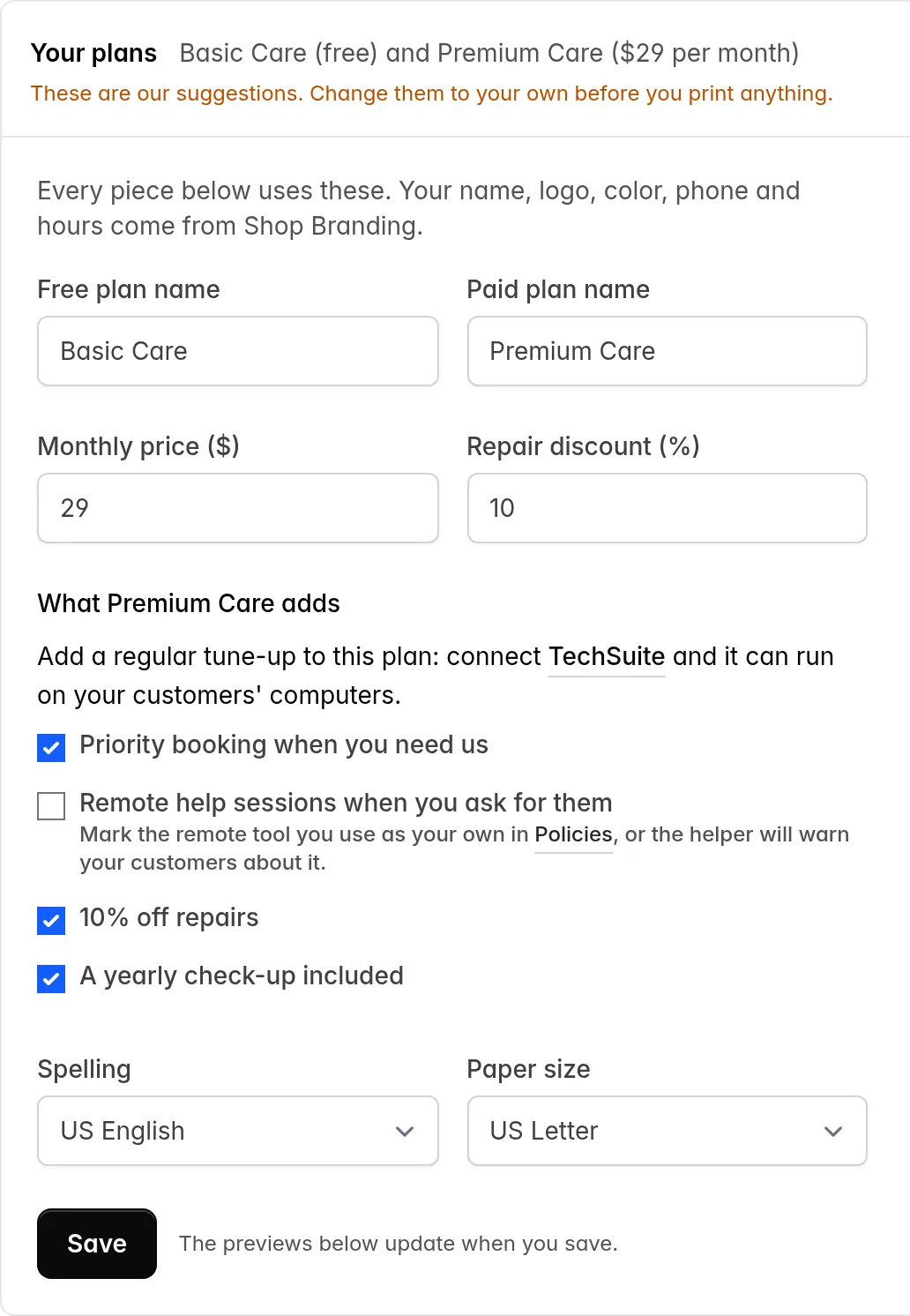
- Your plans. Name your free and paid plans, and set the monthly price, the repair discount and what the paid plan adds. Every piece uses them.
- Spelling and paper size. US, British or Australian spelling, on US Letter or A4.
- Edit in PowerPoint or Canva. Every piece also downloads as a file where each line of text, your logo and the QR code can be changed or moved. It opens in PowerPoint, Keynote, Google Slides or Canva.
Your name, logo, color, phone number and hours come from Shop Branding. Print pieces download as a PDF and a PNG. If you rotate your install link on the Installers page, download fresh copies of anything you’ve printed or posted.
Resolve requests from the list
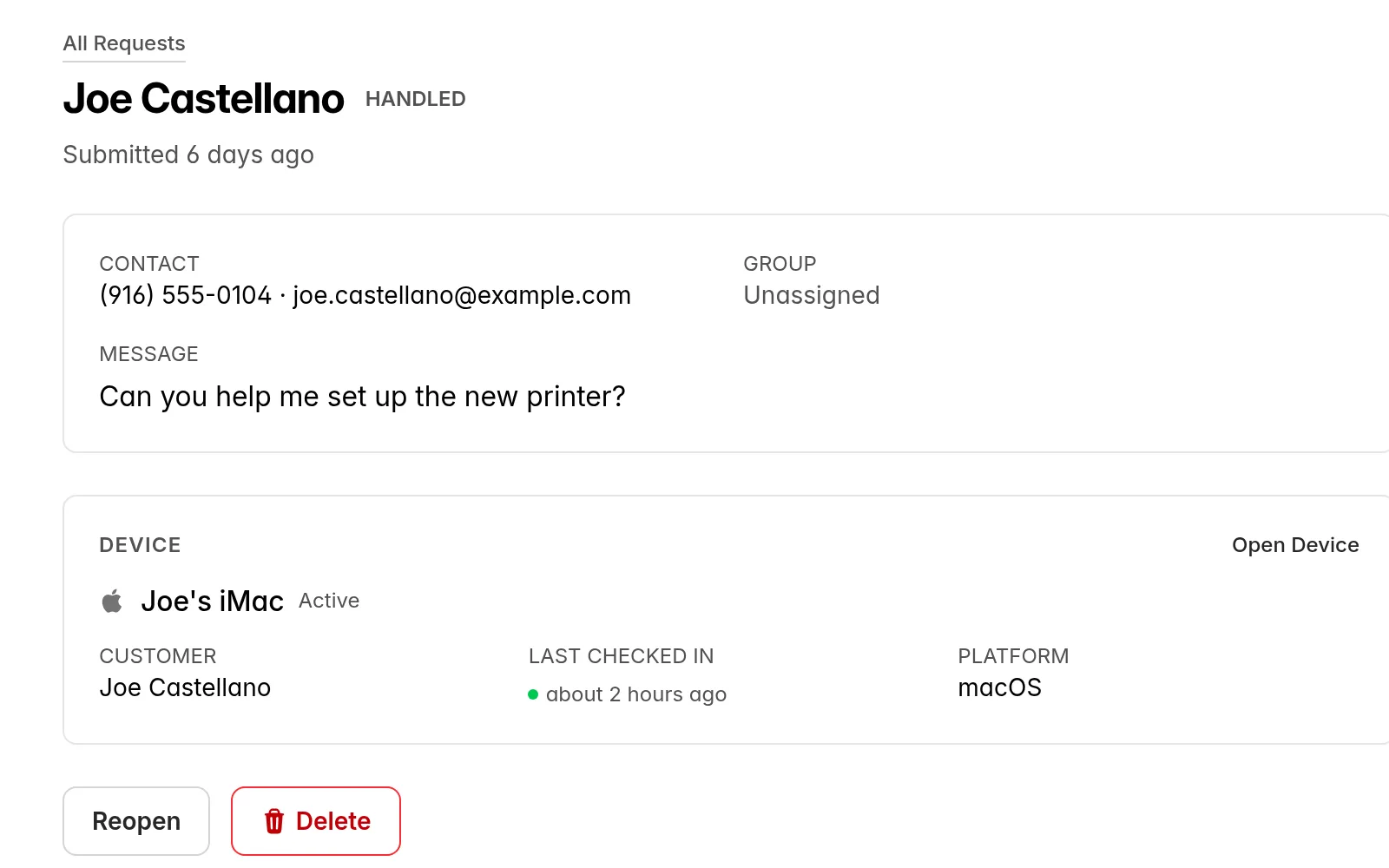
Hover over an open request on the Requests page or a device’s page and click Resolve. You stay on the list.

Delete resolved requests
A resolved request now has a Delete button next to Reopen. Open requests can’t be deleted, and deleting a request leaves any PSA ticket as it is.
Checks every 15 minutes
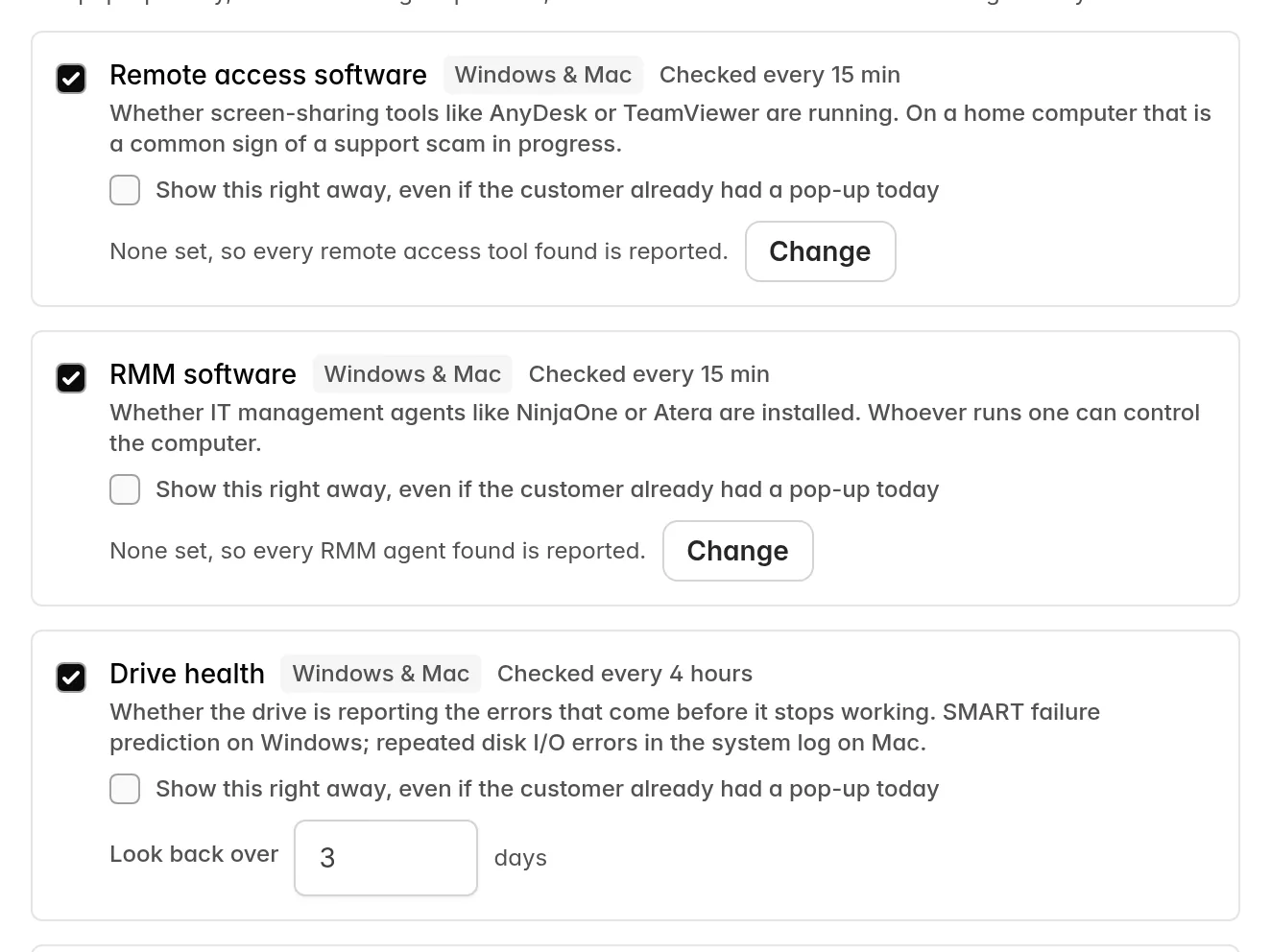
Remote access software, RMM software, browser hijack, antivirus, unexpected shutdowns and free disk space are now checked every 15 minutes. Drive health, battery health and disk encryption still run every 4 hours. Each monitor in a policy shows how often it’s checked, and a device’s page shows when each one was last checked.
Pop up right away
Lantern shows a customer at most one pop-up a day. In a policy, you can now tick Show this right away, even if the customer already had a pop-up today next to any monitor. That problem then pops up each time it appears, no more than once an hour, and doesn’t use up the daily pop-up. It’s off for every monitor until you turn it on.
Agent 0.0.16
- Removing a device uninstalls Lantern on Windows. Remove a Windows device from your dashboard and Lantern uninstalls itself from that computer, with nothing for your customer to click. On a Mac it stops running, as before.
- Faster check-ins after sleep. A laptop that wakes up checks in straight away.
Questions or feedback? Email us at [email protected].
Ian & Garrett